Gmail on Android is fine. It works. It’s stable.
But if you live in your inbox, like actually live there, you start noticing the little things.
Search is good, but not always fast. Labels are powerful, but kind of hidden. Attachments feel clunky. Multiple accounts get messy. And if you’re doing sales, partnerships, recruiting, anything outreach related… you want speed and control. Less tapping around. More get it done.
So this is a real list of the best Android email apps for Gmail. Not a giant “here are 30 options” thing. The ones that people actually keep installed.
I’m also going to call out which ones are better for specific situations. Like, if you’re juggling multiple Gmail inboxes. If you need a unified inbox. If you care about privacy. If you want to blast through email triage in 15 minutes.
And yeah. If you’re doing cold outreach, you’ll see where PlusVibe fits in too, because at some point the “best email app” stops being about reading email and starts being about sending the right email and actually landing in inbox.
PlusVibe not only offers a suite of tools for managing your email more effectively but also provides insights into best practices for email deliverability and email frequency - both crucial factors for successful outreach.
Additionally, their resources on best email subject lines can significantly improve your open rates while their email extractors can streamline your data collection process.
Quick cheat sheet (if you’re in a hurry)
- Best overall (most people): Gmail
- Best for power users and inbox zero: Spark
- Best “I want it to look clean and fly”: Outlook
- Best for unified inbox and customization: BlueMail
- Best privacy focused: Proton Mail (with Gmail forwarding)
- Best for heavy email volume and smart filters: Edison Mail
- Best “minimal, fast, no fluff”: FairEmail
- Best for team email + tasks vibe: Spike
- Best “I want a super app with calendar, tasks, mail”: Zoho Mail
- Best for devs and tinkerers: K-9 Mail (now part of Thunderbird)
Now let’s do the real breakdown.
Before we start: what “best” actually means for Gmail on Android
Here’s what I looked at when putting this together:
- Gmail support (IMAP/OAuth) and whether setup is painless
- Notifications that actually work and don’t arrive 45 minutes late
- Search, filtering, and bulk actions (because Android is where inbox triage happens)
- Unified inbox (if you have multiple Gmail accounts, or Gmail + Outlook)
- Security and privacy (especially if you’re forwarding, adding aliases, etc)
- Offline access and attachment handling
- UI speed on mid range phones (not just a Pixel 9 Pro on Wi-Fi)
- Price and whether the “free” plan is basically a demo
And one more thing, kind of subjective but important.
Does it make email feel… lighter. Less sticky. Less “ugh”.
1. Gmail (Yes, still the default for a reason)
If you’re using Gmail with Gmail, the Gmail app is still the smoothest experience overall. It’s like… the pipes are the cleanest because Google owns the whole house.
Best for: Most Gmail users, Google Workspace users, people who rely on labels and search
What it does really well
- Fast account setup and rock solid sync
- Gmail labels, categories, Promotions and Primary stuff works as intended
- Google Workspace integration is seamless
- Search is still top tier
For those who find the Promotions tab annoying, there are ways to manage your inbox better. The customization options may be limited but utilizing features such as creating folders in Gmail can help streamline your email organization.
What gets annoying
- Unified inbox across multiple Gmail accounts is not great
- Customization is limited
- Power user features are kind of hidden or missing
- Handling multiple inboxes for work, side projects, outreach gets messy
If you have one Gmail account and just need email that works, stop here. Seriously.
But if you’re juggling accounts or want more control, keep going.
For example, managing multiple inboxes can be simplified by using techniques such as embedding images in Gmail, which can make your emails more engaging and easier to navigate.
Image idea: Gmail inbox showing Primary/Social/Promotions tabs.

2. Microsoft Outlook (surprisingly good with Gmail)
Outlook on Android has gotten really good. Like, quietly good.
It is not just for Microsoft accounts anymore. With Gmail, it gives you a clean, focused inbox experience and some genuinely helpful organization features.
Best for: People who want a polished UI, calendar heavy users, mixed Gmail + Microsoft life
What it does well
- Focused Inbox is solid once trained
- Calendar is great, especially for scheduling heavy days
- Handles multiple accounts smoothly
- Search and attachments are easy to access
Where it can feel off
- It’s Outlook. Some people just don’t want Microsoft in their mail layer
- Focused Inbox can hide things you wanted to see (at first)
If you have Gmail for personal but Office 365 for work, Outlook becomes the simplest way to not hate switching.
Image idea: Outlook mobile inbox and calendar view.

3. Spark (the closest thing to “inbox zero mode”)
Spark is one of those apps people install, then a week later they’re like, why didn’t I do this earlier.
It tries to reduce the noise. Smart inbox, grouping, quick actions, snooze, reminders. It’s built for people who get a lot of email and want to process it, not just read it.
Best for: Inbox zero people, founders, operators, anyone triaging lots of mail daily
What it does well
- Smart inbox categories are actually helpful
- Snooze and reminders feel natural
- Quick actions make clearing email faster
- Great for multiple accounts
What to consider
- Some features require account / cloud features (depends on version)
- If you want “simple”, Spark may feel like too much
If your Gmail inbox is basically a running to do list, Spark is worth trying.
Image idea: Spark smart inbox categories.

4. BlueMail (unified inbox king, lots of knobs)
BlueMail is not the prettiest app, but it’s one of the most flexible. It supports a ton of providers and does unified inbox well, which matters if you have multiple Gmail accounts.
Best for: People managing multiple inboxes, unified inbox lovers, heavy customization
What it does well
- Unified inbox across accounts is strong
- Notification controls per account are useful
- Solid filtering and folder management
Potential downsides
- UI can feel busy
- Some users prefer a more minimalist experience
If you’re running 3 to 6 Gmail inboxes, BlueMail is one of the few that makes it feel manageable.
5. Edison Mail (fast, smart, built for volume)
Edison Mail is for people who get a lot of email and want the app to help do the boring parts. Tracking packages, finding receipts, unsubscribing, killing spam fast.
Best for: High volume inboxes, online shopping receipts, busy personal inboxes
What it does well
- Really fast search and sync
- Unsubscribe tools
- Smart assistants for receipts and subscriptions
What to consider
- It leans into “assistant” features. Some folks prefer fewer automatic layers.
If your Gmail inbox is 60 percent newsletters and random receipts, Edison can clean things up quickly.
6. FairEmail (minimalist, privacy minded, very Android)
FairEmail is one of those apps that looks plain and then you realize it’s incredibly powerful. It’s also known for being privacy conscious and transparent, with lots of advanced settings.
Best for: Privacy minded users, people who want control, minimal UI fans
What it does well
- Extremely configurable
- Lightweight, fast
- No nonsense approach to email
Downsides
- Not as beginner friendly
- UI is more functional than pretty
If you like the idea of email apps that don’t do anything cute, FairEmail is the move.
7. K-9 Mail (now part of Thunderbird)
A classic. Still relevant.
K-9 has been around forever in Android land. It’s open source, flexible, and feels like a tool. Not a product trying to upsell you.
Best for: Open source fans, tinkerers, people who want an email workhorse
What it does well
- Reliable IMAP support
- Lots of configuration options
- Light and efficient
Downsides
- Interface is functional, not modern
- Not as “smart” as Spark or Edison
If you care about openness and stability, K-9 is still an easy recommendation.
8. Proton Mail (privacy first, but Gmail needs a workaround)
Proton Mail is fantastic if you want privacy and encryption. But it’s not a Gmail client in the normal sense. You can’t just plug Gmail into Proton and call it a day on Android.
What people do instead is: use Gmail as the receiving address, forward important stuff, or slowly transition.
Best for: People who want privacy more than convenience
What it does well
- Excellent privacy and security posture
- Clean app, good UX
- Great if you’re ready to move away from Gmail long term
Reality check
- If you need a full Gmail replacement that still behaves like Gmail, this won’t feel seamless.
Still, it belongs on the list because “best” sometimes means “best for your values”, not “best for Google integration”.
9. Spike (email that feels like chat)
Spike turns email threads into chat style conversations. It can be a huge relief if you spend your day in long threads with quick back and forth messages.
Best for: Team communication, founders, agencies, collaboration heavy roles
What it does well
- Conversation view makes threads easier
- Built in notes and tasks vibes (depending on plan)
- Fun, different way to handle email
Downsides
- Not everyone wants email to look like Slack
- Some people prefer traditional folder and label thinking
Worth a try if email feels like a constant conversation anyway.
10. Zoho Mail (the “business suite” option)
Zoho Mail works best when you’re already in Zoho’s ecosystem, but even standalone it’s a capable email app that plays nicely with multiple accounts.
Best for: Small businesses, people who want mail + calendar + tasks together
What it does well
- Business oriented features
- Integrated calendar and productivity tools
- Works well for structured workflows
Downsides
- Might be overkill for simple Gmail usage
- UI is fine, but not as slick as Spark or Outlook
If you have one Gmail account and want zero drama
Pick Gmail.
If you have multiple Gmail accounts and want one inbox
Pick BlueMail or Spark.
If you live in meetings and scheduling
Pick Outlook.
If you get buried in newsletters and receipts
Pick Edison Mail.
If you care about privacy and control
Pick FairEmail (or transition to Proton Mail).
If email feels like team chat anyway
Pick Spike.
Most “best email app” lists ignore this part, but it matters.
If you’re doing cold email, partnerships outreach, recruiting outreach, or any kind of pipeline building, the Android app you read emails in is only half the game.
The other half is:
- Are your emails landing in inbox or spam?
- Can you scale without burning your domain?
- Are you personalizing in a way that doesn’t feel fake?
- Can you run sequences across multiple inboxes without losing your mind?
This is where a platform like PlusVibe comes in.
You can use any Android email app for replies and quick triage, and run the sending side through PlusVibe.
A few reasons people do that:
- Connect unlimited inboxes, so you can scale without weird constraints
- Deliverability controls + warm up so your domain doesn’t get wrecked
- Built in email validation + enrichment so you stop bouncing and guessing
- AI personalization that pulls in recent posts, company news, and can generate highly engaging personalized text, images, GIFs, even video
- Strong performance claims like 99.8% inbox hit rate and under 0.3% spam complaints, plus reply lift numbers (+45% average reply rate, +18% positive replies)
And there’s a 14 day free trial, so you can just test it on a small segment before you commit to anything.
If you’re reading this as someone who is basically doing outreach from your phone plus maybe a laptop at night, the combo is usually:
- Spark or Outlook on Android for handling replies fast
- PlusVibe to run the sequences, personalization, and deliverability side without duct tape
Subtle plug, but also just true.
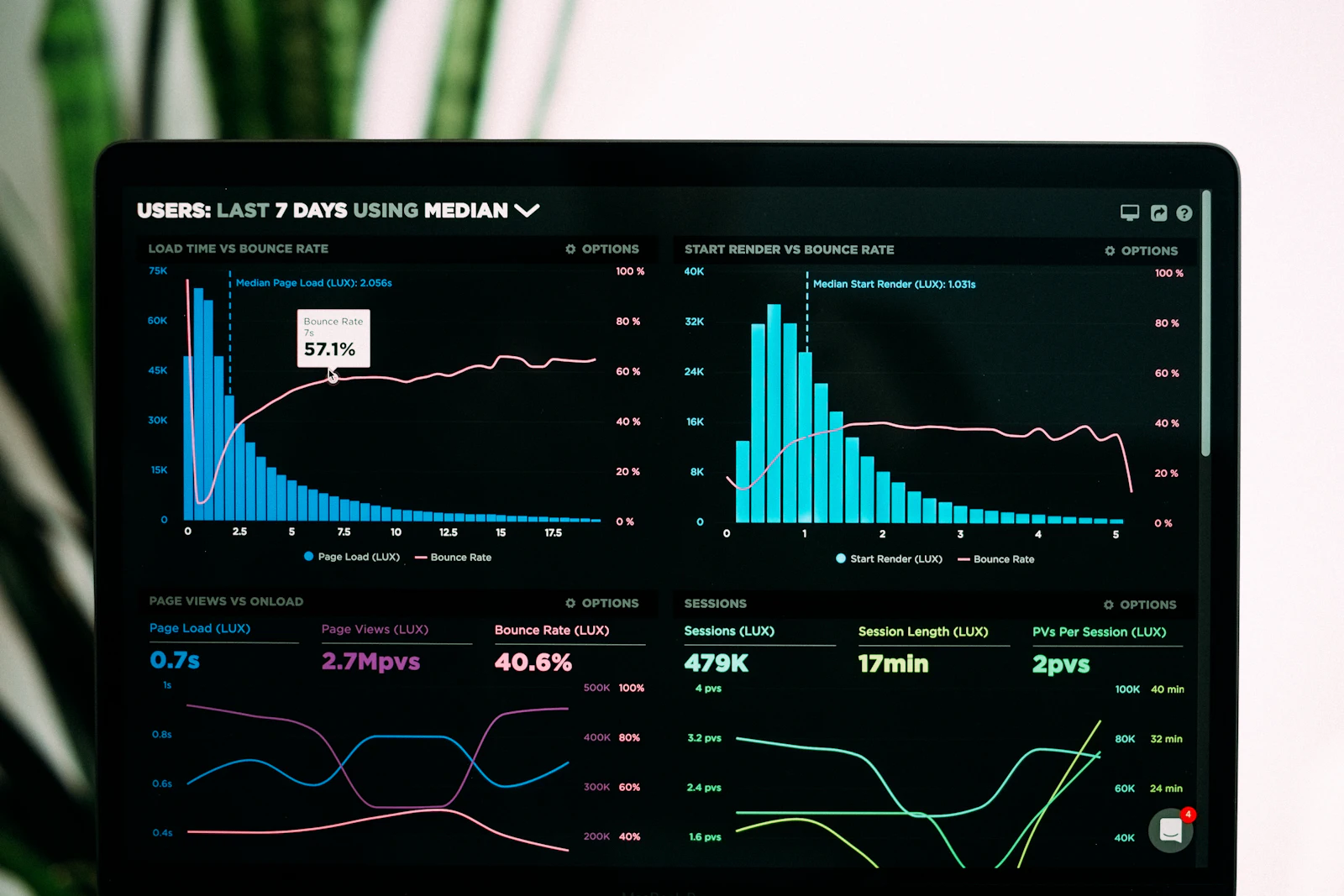
Image idea: clean “campaign dashboard” style shot.
1. Turn off notifications for low value folders
Promotions, Social, random aliases. Most apps let you tune this per account.
2. Use swipe actions aggressively
Archive, delete, snooze. Swipes are the fastest way to keep the inbox from ballooning.
3. Consider using separate Gmail accounts for different roles
One for your real life, one for side projects, one for outreach. Then use a unified inbox app.
4. If you’re doing outreach, do not send volume from your primary inbox
Seriously. Use separate inboxes, warm them up, validate lists, control deliverability. This is exactly the stuff PlusVibe is built for.
What is the best email app for Gmail on Android?
For most people, it’s still Gmail. If you want a smarter inbox experience, Spark is a top alternative.
Is Outlook good for Gmail?
Yes. Outlook supports Gmail smoothly and is especially good if you also use a calendar heavily or mix Gmail with Microsoft accounts.
What is the best free email app for Android with Gmail?
Gmail is the best free default. BlueMail, K-9 Mail, and FairEmail (core features) are also strong free or freemium options depending on what you need.
What’s the best Android email app for multiple Gmail accounts?
BlueMail and Spark are great for multiple accounts and unified inbox.
If you want the simplest answer:
- Stick with Gmail unless you have a reason not to.
- If you’re drowning in email, try Spark.
- If you’re balancing multiple inboxes, try BlueMail.
- If you’re calendar heavy, try Outlook.
And if you’re using Gmail as part of a sales motion, recruiting motion, partnerships motion or any outreach motion:
Use the Android app you like for replies but run the sending and deliverability through something built specifically for it like PlusVibe. PlusVibe offers features such as free trial, unlimited inbox connections, validation and enrichment that goes beyond just “Hi first name”.
Because honestly… the best feeling in email is not a cleaner inbox but an email that actually lands and gets a reply.
FAQs (Frequently Asked Questions)
What is the best email app for most Gmail users on Android?
For most Gmail users on Android, the default Gmail app remains the best overall choice. It offers fast account setup, rock-solid synchronization, seamless Google Workspace integration, effective label management, and top-tier search capabilities.
Which Android email app is recommended for power users aiming for inbox zero?
Spark is highly recommended for power users who want to achieve inbox zero efficiently. It offers advanced features that streamline email triage and bulk actions, making managing large volumes of emails faster and more controlled.
What Android email app provides the best experience for handling multiple Gmail accounts with a unified inbox?
BlueMail stands out as the best option for users needing a unified inbox and high customization across multiple Gmail accounts. It simplifies managing several inboxes in one place while offering flexible settings to tailor your email experience.
Which email app on Android is most suitable for privacy-focused Gmail users?
Proton Mail, when used with Gmail forwarding, is ideal for privacy-conscious users. It emphasizes security and privacy features while allowing you to still access your Gmail messages securely through forwarding.
How does PlusVibe enhance email outreach and deliverability for Gmail users on Android?
PlusVibe provides a suite of tools designed to improve email outreach effectiveness. It offers insights into best practices for email deliverability and frequency, resources on crafting compelling subject lines to boost open rates, and email extractors to streamline data collection—making it an excellent choice for sales, partnerships, recruiting, or any outreach-related activities.
What factors were considered when determining the best Gmail apps for Android?
The evaluation considered several key factors including support for Gmail via IMAP/OAuth with painless setup, reliable notifications without delays, robust search/filtering/bulk action capabilities essential for inbox triage, unified inbox support across multiple accounts, strong security and privacy features especially with forwarding and aliases, offline access and attachment handling efficiency, UI speed on mid-range devices, pricing models including free plan usability, and overall user experience focusing on making email feel lighter and less cumbersome.