Managing cold email replies comes down to three habits. Sort every reply by intent the moment it lands. Give each type one owner and one response deadline. Automate only the work that doesn’t need judgment. Teams that do this answer interested prospects fast, keep opt-outs clean, and stop treating out-of-office notices as pipeline. This guide shows how to set that system up, with response templates and the compliance rules that apply in the US.
Key Takeaways
- Classify replies into a handful of action-based types (positive, soft pass, objection, referral, opt-out, automated) so every reply has a next step.
- Give positive replies a named owner and the shortest deadline. Speed on interested replies matters more than rewriting your sequence.
- Automate classification, CRM logging, sequence pausing and unsubscribe suppression. Keep pricing, legal and strategic objections with a human.
- Honor opt-outs fast. US law allows up to 10 business days, but Google’s guidance points to 48 hours for one-click requests.
- Track a few reply metrics weekly, such as time to first response and positive-reply-to-meeting rate.
Table of Contents
- Why reply handling decides campaign results
- Step 1: Classify every reply by the action it needs
- Step 2: Give each class an owner and a deadline
- Step 3: Know what to say
- Step 4: Decide when follow-ups stop and when they resume
- Step 5: Handle opt-outs and automated replies the right way
- Step 6: Decide what to automate
- Step 7: Measure the reply desk
- Perspective: what we’ve seen about replies at scale
- Run replies from one place with PlusVibe
- FAQ
- Sources
Why reply handling decides campaign results
Most cold email advice stops at the send button. Subject lines, copy and follow-up cadence get the attention. But a reply is where the money is, and it’s also where teams quietly lose it. A “sounds interesting, send times” note sits in a shared inbox for a day. A sequence keeps firing at someone who already answered. An unsubscribe request gets ignored because it came in as a sentence rather than a link click.
Reply handling is an operations problem, not a copywriting problem. It needs the same things any operations process needs: categories, owners, deadlines and a way to check that it works. Once you have those, the volume stops being scary, even when you send from many inboxes at once.
If your reply volume itself is the issue, fix that first with our guides on why prospects ignore cold emails and boosting your response rate. The rest of this article assumes replies are arriving and asks what you do with them.
Step 1: Classify every reply by the action it needs
Don’t sort replies by feeling (“warm”, “cold”). Sort them by what you do next. Six classes cover almost everything:
| Reply type | What it looks like | Next action | Owner |
|---|---|---|---|
| Positive interest | “Yes, let’s talk”, “Send times”, “Who do I book with?” | Offer times or send a booking link, pause the sequence | Rep or SDR |
| Soft pass | “Not now”, “Try me next quarter” | Set a dated reminder, move to a nurture list | Rep, then automation |
| Objection | “We already use something”, “Too expensive”, “Not my area” | Answer once with a short, specific reply, or close politely | Rep |
| Referral | “Talk to Dana in ops” | Create the new contact, start a new sequence that mentions the referrer | Rep |
| Opt-out | “Remove me”, “Stop emailing”, an unsubscribe click | Suppress the address across all campaigns | Automation |
| Automated | Out-of-office, auto-responders, bounce notices | Log it, pause or reschedule, never count it as a reply | Automation |
Two cautions make this table work in practice.
One reply can carry two signals. “Not now, but talk to our head of sales” is a soft pass and a referral. Record both and act on both, rather than forcing a single label. Tag the reply with its primary class and add a note for the secondary one.
Keep the list short. Teams that build twenty-category taxonomies stop using them. If a label doesn’t change what happens next, merge it with another.
Using AI for the first pass
Intent classification is a good job for AI. Straightforward replies (a clear yes, a clear no, an auto-responder) can be tagged automatically, and a person reviews the unclear ones. The same logic applies to routing: the more confident the tag, the more you can automate. AI triage of incoming replies works best when it escalates interested people quickly and leaves the ambiguous cases to humans.

A practical rule: if the model’s confidence is low, or the reply mentions price, contracts, security review or a competitor, route it to a person. Mislabeling a warm reply as noise costs far more than reviewing a few extra messages.
Step 2: Give each class an owner and a deadline
A category without an owner is just a label. For each class, write down who handles it and how fast.
- Positive interest: the fastest deadline, handled by whoever books meetings. Aim for minutes during working hours, not a next-day batch.
- Objections and referrals: same working day, by the rep who owns the account.
- Soft passes: a quick acknowledgment, then a scheduled return date.
- Opt-outs and automated replies: handled by rules, with no human time unless something looks odd.
The reason to tier it is capacity. If everything is urgent, nothing is. A reply desk that treats an out-of-office notice with the same priority as a buying signal will burn out and slow down on the replies that matter.
Why speed on positive replies pays
Nobody has published a universal benchmark you can rely on here, and figures that circulate vary by team and market. What holds up across outbound teams is the direction: interest fades, and the prospect who just answered you is most reachable right now. Measure your own gap between reply and first response, then shorten it. In many teams, cutting that gap does more for booked meetings than another round of copy edits.
Practical ways to shorten it:
- Send positive replies to a push notification or Slack channel instead of an inbox people check twice a day.
- Name a backup for every owner so a vacation doesn’t create a dead zone.
- Pre-write the booking reply so the answer takes one minute, not ten.
- Decide in advance who sends the meeting invite, so there is no “I thought you had it”.
Handoffs between SDR and AE
When an SDR books and an account executive runs the call, the handoff is where trust leaks. The cleanest pattern: the SDR introduces the AE in the same email thread, the AE confirms the invite, and the AE reads the whole thread before the call. If the AE asks questions the prospect already answered by email, the prospect notices.
Step 3: Know what to say
Here is a response for each common case. Keep them short and edit them to your voice. A prospect who wrote three lines doesn’t want eight back.
Positive reply
Mirror their tone, answer the question they asked, and offer two concrete times.
Great, thanks for the quick reply. Would Tuesday at 10:00 or Wednesday at 14:00 Eastern work for 20 minutes? If someone else should join, add them and I’ll send the invite.
Resist the urge to re-pitch. They already said yes to something. Don’t make them read the pitch twice.
“Send me more info”
This is often a polite way to end the conversation, but sometimes it’s real. Send short context and one clear next step, then follow up.
Happy to. In two lines: we help [type of company] do [specific outcome]. Here’s a one-page example from a similar team: [link]. If it looks relevant, a 15-minute call is the fastest way to see if it fits. Worth a look next week?
Objection
Answer the objection that was actually raised, once. If they say they already have a provider, don’t argue. Ask a narrow question about what’s missing or what would make a second look worthwhile, and accept a no.
Makes sense, and I’m not suggesting you switch anything. Out of curiosity, is [the specific thing] covered well today? If so, I’ll leave you be.
Objections about price, contracts or legal terms belong with a human, ideally someone who can make a decision.
Referral
Thank the person, create the new contact, and start a short new sequence rather than dropping the referred person into your main cadence. Mention the referrer in the first line, and ask the referrer’s permission if the reply didn’t clearly give it.
Soft pass
Answer in one line and set the date they gave you.
Understood, thanks for telling me. I’ll check back in [month]. If priorities change before then, you know where to find me.
Then actually set the reminder. A “not now” that has no follow-up date is a lost lead with a polite label.
Opt-out
Don’t reply with a sales save attempt. Suppress the address everywhere and, if you confirm at all, make it a single line.
Step 4: Decide when follow-ups stop and when they resume
The simplest rule with the biggest payoff: any real reply pauses the sequence for that contact immediately. Not at the end of the day, not on the next batch run. Otherwise your warmest lead gets an automated “just circling back” an hour after saying yes, which tells them nobody is reading.
Use these rules as a starting point:
- Positive reply: stop the sequence. Resume nothing automatically.
- Objection answered, no response: stop. A single human follow-up after a few days is fine, but don’t restart the cadence.
- Soft pass with a date: stop, then start a fresh, shorter sequence near the date they named.
- Out-of-office: pause and reschedule the next step for after their return date. Don’t count it as a reply.
- Referral: stop for the original contact, start a new one for the referred person.
- Opt-out: stop everywhere, permanently.
Make sure the pause works across every inbox you send from. If you rotate several sender accounts, a reply to one inbox must stop the sequence on all of them. This is the most common failure in multi-inbox setups, and it’s worth testing with a dummy contact before you launch. For follow-up copy that still earns replies before anyone answers, see our follow-up templates and five follow-up approaches.
Step 5: Handle opt-outs and automated replies the right way
These are the replies that look least important and carry the most risk.
Unsubscribe requests and the law
In the US, the CAN-SPAM Act requires commercial email senders to honor an opt-out request within 10 business days, according to the FTC’s compliance guide. The same guide says both the company whose product is promoted and the company that sends the message can be held responsible, which matters if an agency sends on a client’s behalf. Our breakdown of what CAN-SPAM allows in cold email goes through the rest of the requirements.
Don’t treat 10 business days as your target. Google’s sender guidelines FAQ recommends fulfilling one-click unsubscribe requests within 48 hours, and Gmail expects bulk senders to authenticate their mail, avoid unsolicited messages and make unsubscribing easy. Suppression that happens automatically, across every campaign and every inbox, meets both standards without anyone having to remember.
A free-text “please stop” counts as an opt-out too. Your classifier should catch phrases like “remove me” and “stop emailing”, and a human should check anything borderline.
Out-of-office and auto-responders
Automated replies inflate your reply rate and distort every number built on it. Filter them from reply counts, use any return date to reschedule, and never send them a response. A neat side effect: your reported reply rate gets closer to real conversations.
Bounce messages and “mailbox full” notices belong here too. Log them, remove the address or verify it again, and watch the trend. A rising bounce rate is a deliverability warning, and our guide to cold email metrics explains which numbers to watch and which to ignore.
Step 6: Decide what to automate
A good split:
Automate
- Intent tagging for clear-cut replies
- Logging each reply into your CRM with its class
- Pausing sequences on any real reply
- Suppressing opt-outs
- Filtering out-of-office and bounce messages
- Alerts to the right person when a positive reply arrives
Keep human
- Anything involving pricing, discounts or contract terms
- Legal, security and procurement threads
- Strategic objections where the right answer depends on the account
- Replies from senior executives
- Any reply the system tagged with low confidence
If you want a broader view of how to structure the workflow around these buckets, a general marketing automation checklist can help you spot gaps in the handoffs.
Step 7: Measure the reply desk
Reply handling is easy to run on feel and hard to improve without numbers. A short weekly review is enough:
- Median time to first response on positive replies. The single most useful number.
- Share of positive replies answered within your target window. Often 24 hours as a floor, and much less for your top tier.
- Positive-reply-to-meeting rate. If this is low while positives are high, the problem is your reply copy or your handoff, not your list.
- Opt-out rate per campaign. A spike points to targeting or copy problems and puts sender reputation at risk.
- Share of replies that needed human review. If it’s very high, your classifier needs better rules.
Once a week, read a sample of replies and your answers side by side. You’ll spot things dashboards don’t: a template that sounds robotic, an objection you keep answering badly, or a segment that always asks the same question.
Perspective: what we’ve seen about replies at scale
Most teams fix reply handling last, and it shows. They spend weeks on copy, then answer the first interested prospect two days late from a shared inbox nobody owns.
We built PlusVibe around the idea that replies are the output of a system, not a stroke of luck. That starts before the first send: private warm-up and isolated sending infrastructure are designed to keep your messages out of spam, so the replies you earn actually reach you. Deliverability controls and inbox rotation spread volume sensibly, and a unified view of replies means a campaign running across many inboxes doesn’t turn into many places to look.
Our advice is simple. Decide your reply classes, name an owner for each, and let automation handle what doesn’t need judgment: pausing sequences, logging, suppressing opt-outs. Put your people’s time on the replies that can become revenue.
Yaro
Run replies from one place with PlusVibe
If you’re managing replies across several inboxes, the work multiplies fast. PlusVibe is built for inbox-first outreach: private email warm-up, isolated sending infrastructure, inbox rotation, deliverability monitoring, sequencing and campaign automation, with reply management and analytics in the same platform. It integrates with tools such as HubSpot, Slack, Gmail, Outlook and Zapier, so a positive reply can reach the right person where they already work.
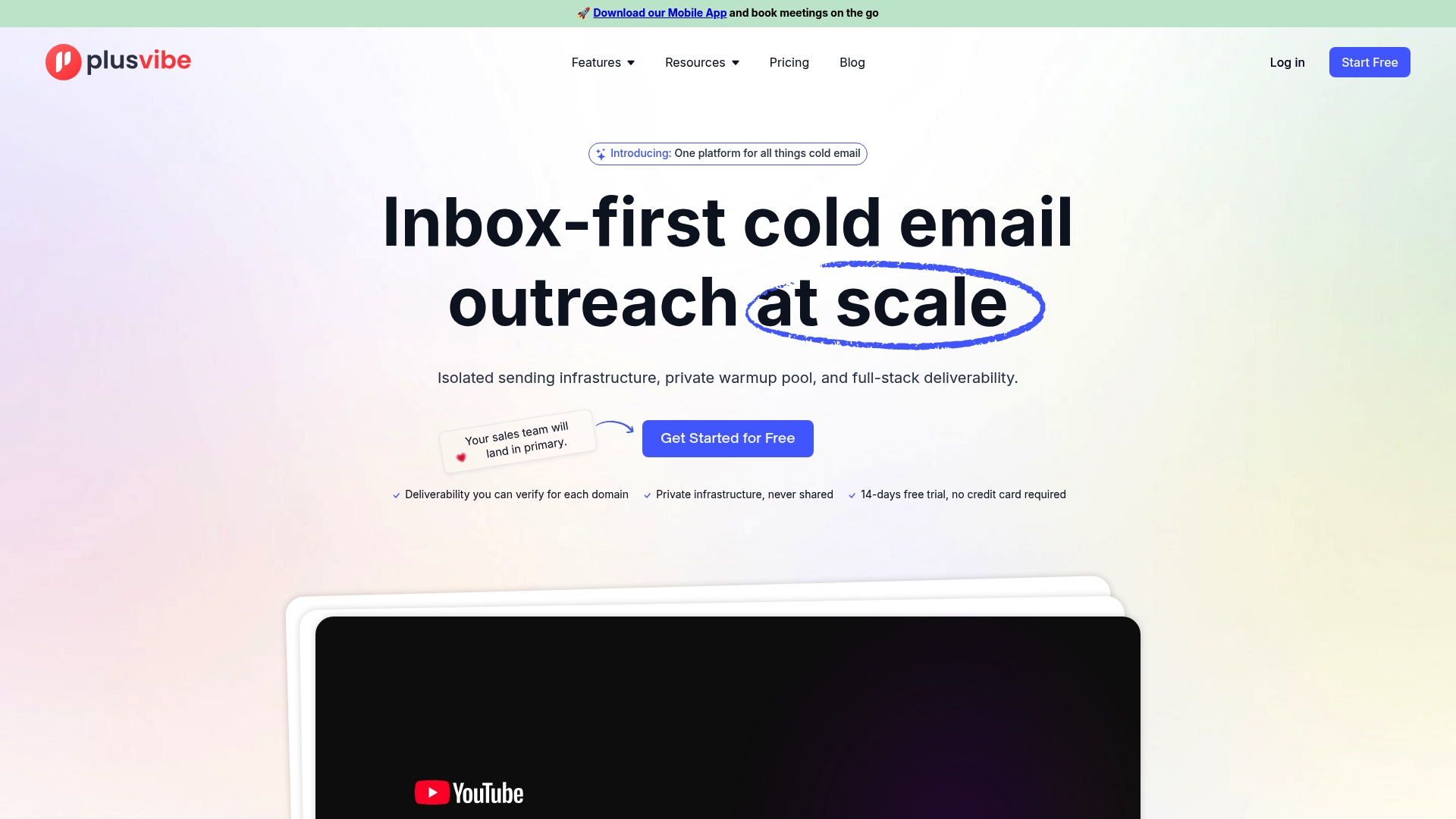
There’s a free trial, so you can test your reply workflow on real campaigns first. Paid plans are listed on our plans page: Personal runs $37 to $58 per month, Business $77 to $220 per month, and Agency starts from $497 per month. If you’d rather not build the sending side yourself, our done-for-you email setup is available at $1,500 per month.
FAQ
How fast should I reply to a positive cold email response?
As fast as your team realistically can, and faster than any other class. Minutes during business hours is a good aim, and the same business day is the minimum. Set an alert for positive replies and name a backup owner so the clock doesn’t stop when someone is out.
Should I reply to out-of-office messages?
No. Log the message, use any return date to reschedule your next step, and exclude it from your reply rate. Replying only adds noise to someone’s inbox and to your own metrics.
What do I do when someone says “not now”?
Acknowledge it in one line, ask for or note the timeframe, and set a reminder for that date. Then start a short, fresh sequence close to it. Don’t leave them in your original cadence, because it will keep sending messages they’ve already declined.
Can I automate replies to cold email responses?
You can automate the sorting around replies, such as tagging, CRM logging, pausing sequences and suppressing opt-outs. Automating the actual answer is riskier. Keep humans on positive replies, objections, pricing and anything legal, because a canned response to a real buyer can end the conversation.
How long do I have to honor an unsubscribe request?
Under CAN-SPAM, US senders have up to 10 business days, per the FTC. Google recommends handling one-click unsubscribes within 48 hours, so automatic suppression is the safer approach.
Sources
- CAN-SPAM Act: A Compliance Guide for Business, Federal Trade Commission
- Email sender guidelines FAQ, Gmail Help